- Free
- Works offline
- No account
- Ages 9 and up
One Bible verse a day, for the whole family.
Psalmoo gives you one verse to open each day, with a short reflection to think about and a one-line prayer. The whole Bible is inside to read, and all of it works offline.
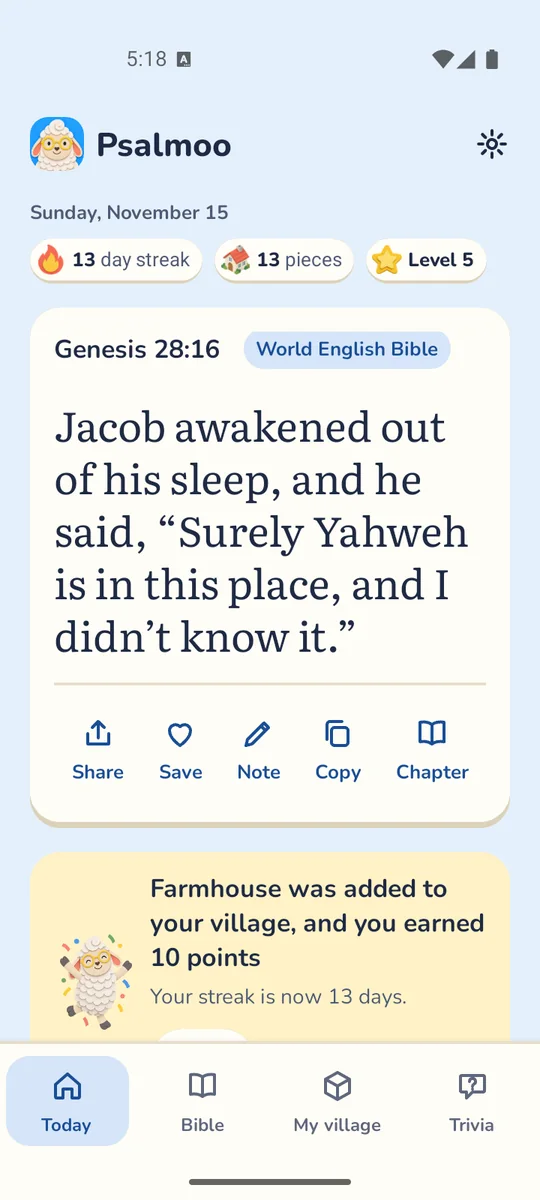
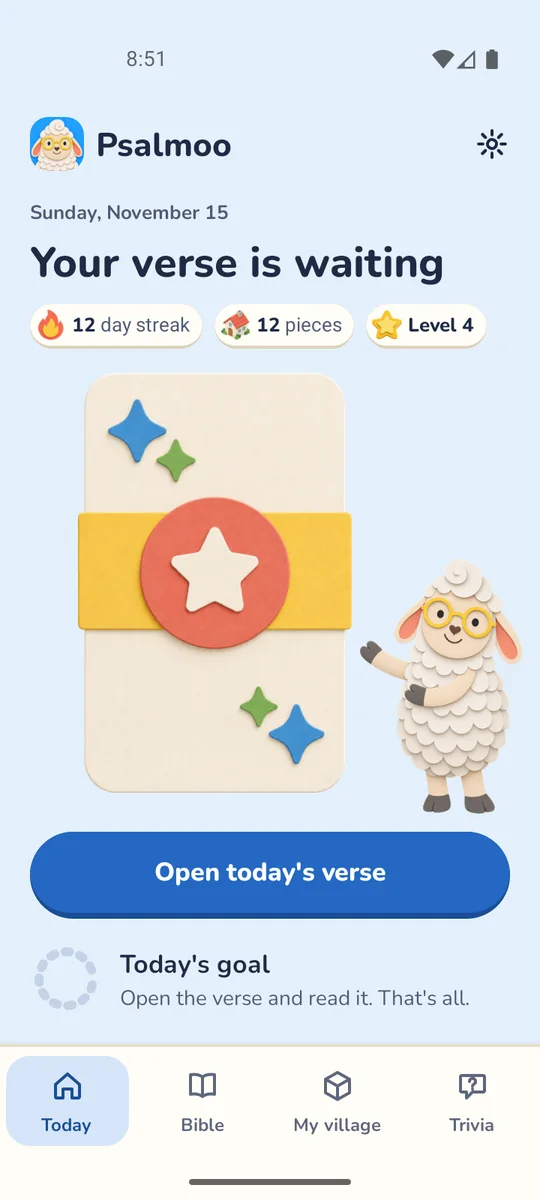


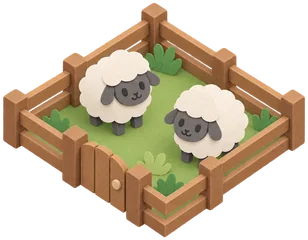
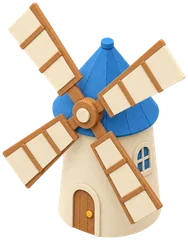
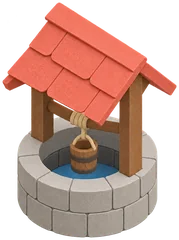


A verse to open, a Bible to read, a village to grow.
Everything below is in the app today, and all of it works with no connection.
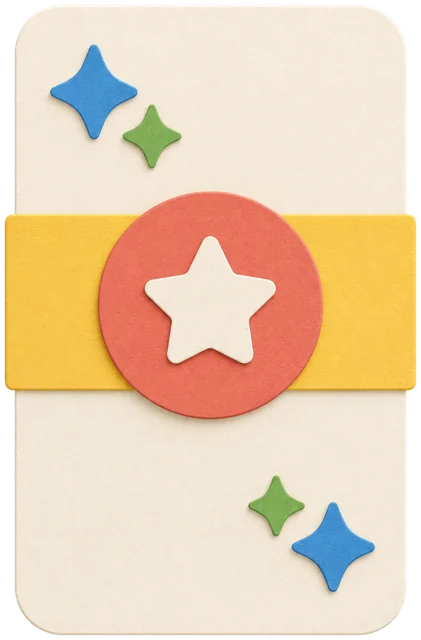 Open a sample verse
Cover it again
Jacob awakened out of his sleep, and he said, “Surely Yahweh is in this place, and I didn’t know it.”


One verse, opened each day
Every date has its own verse, waiting under a paper cover. Tap to open it and read it, and the day's goal is done. If you want more, it is right below the verse.
- A short reflection, called Think about it, in words a 9-year-old can read.
- A one-line prayer for the day.
- The verse in the World English Bible or the King James Version, whichever you chose.
- Five things you can do with it: share, save, add a note, copy, or open the whole chapter.
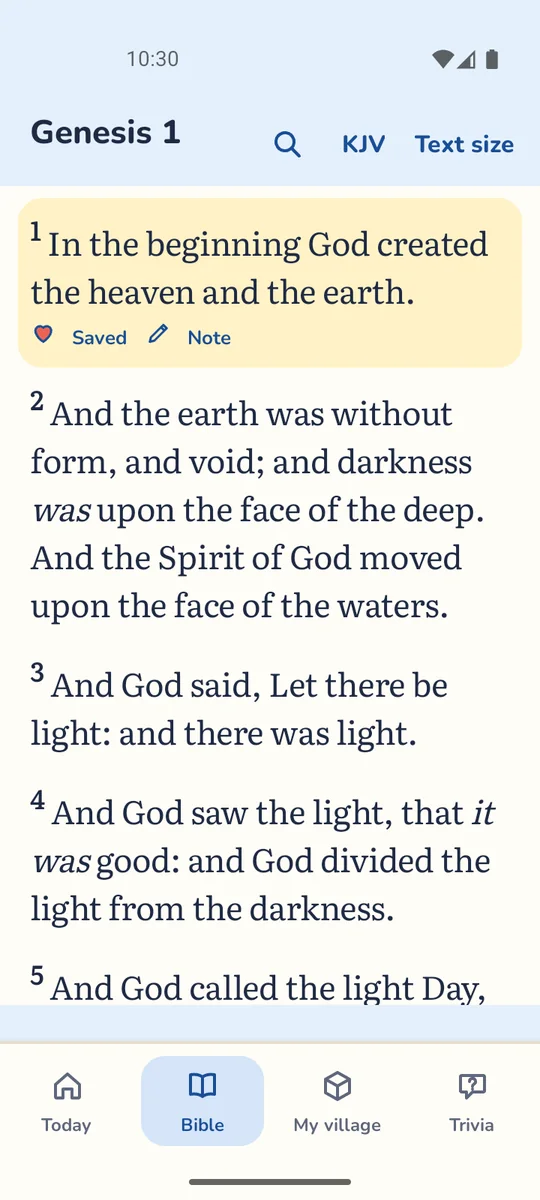
The whole Bible, offline
All 66 books in two public-domain translations: the World English Bible and the King James Version. Switch between them on any page and you stay at the same verse.
- Search every verse for a word or a phrase.
- Five text sizes, and light or dark pages.
- The reader opens where you stopped last time.
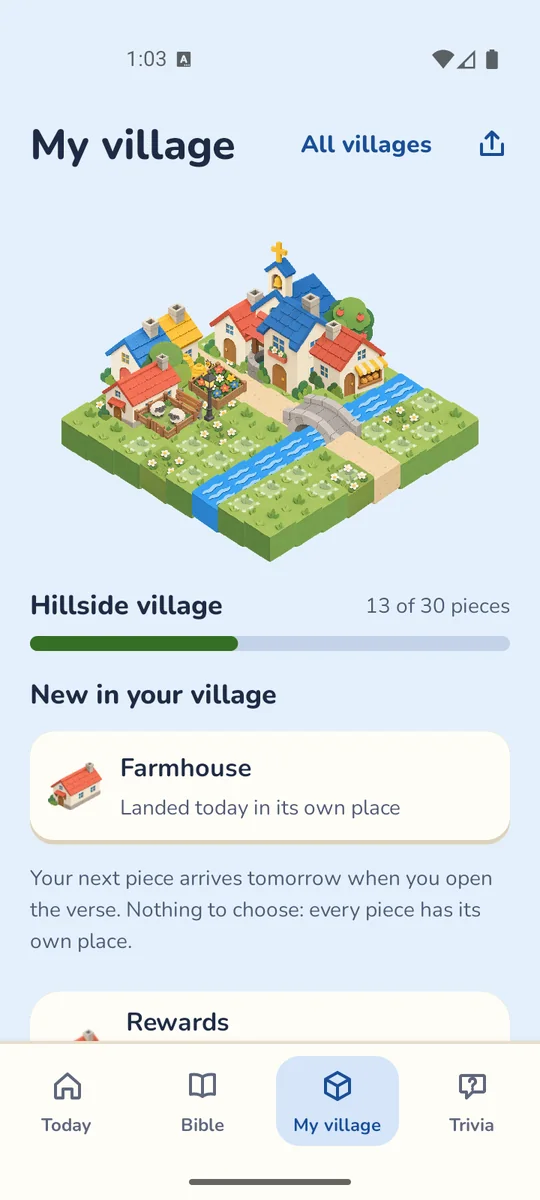
A paper village that grows by one piece a day
Open the day's verse and a new piece lands in your village: a farmhouse, a well, a sheep pen. There is nothing to choose, because every piece has its own place.
- Keep reading day after day and streak rewards appear on their own, such as a flower garden after 3 days and a footbridge after 7.
- Fill all 30 spots and the village is kept for good. A new one begins in a new setting.
- Miss a day and nothing you have built is taken away.
- Nothing is for sale and nothing is random.
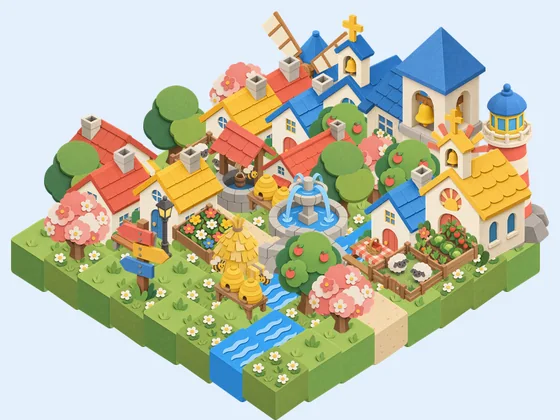 Meadow village
 Harbour village
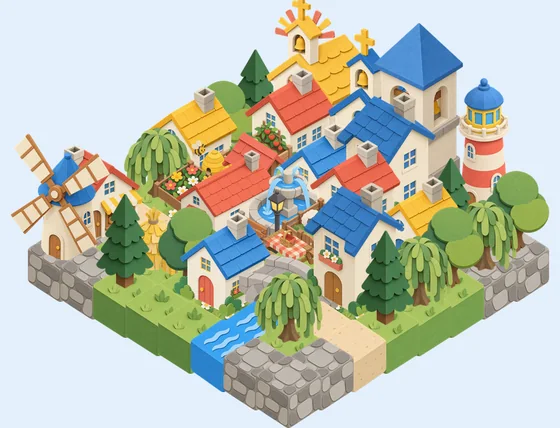 Mountain village
Three of the twelve settings, as they look with every spot filled.
Bible Trivia, with no rush
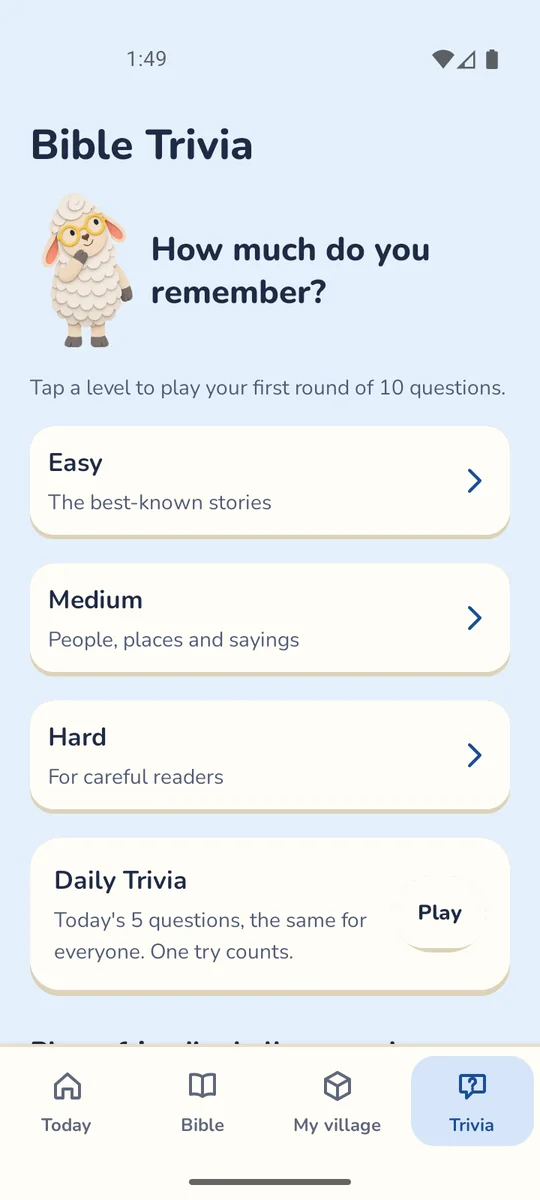
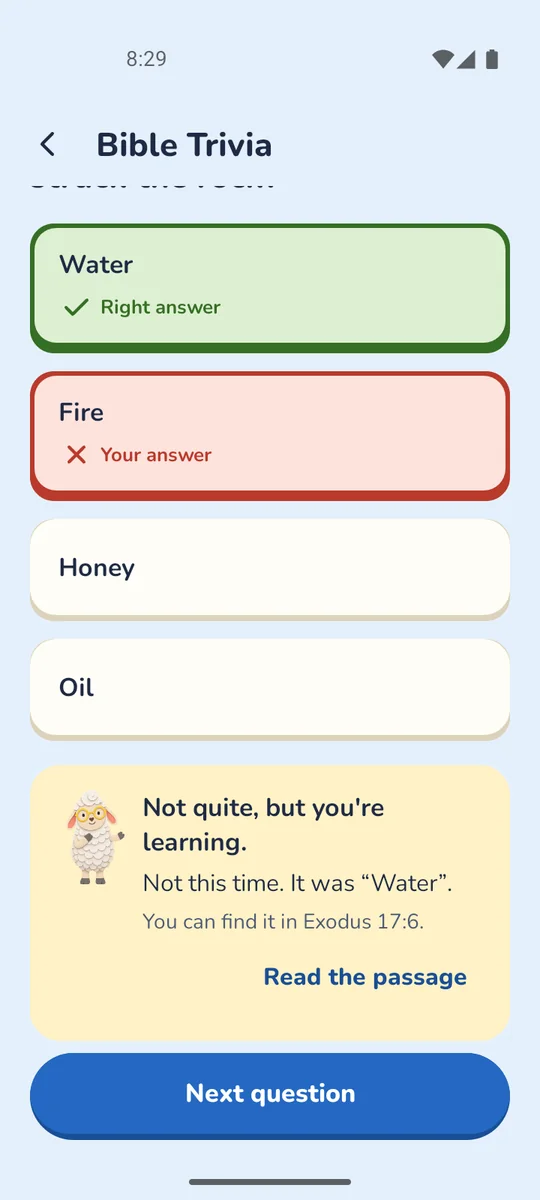
Rounds of ten questions in three levels: Easy, Medium and Hard. Every answer shows where to find it in the Bible, with a link that opens the passage.
- Daily Trivia: five questions, the same for everyone that day.
- Send a challenge code to a friend or a cousin. They type it in and play the very same questions, even offline.
- No lives, no timers and no daily limits.
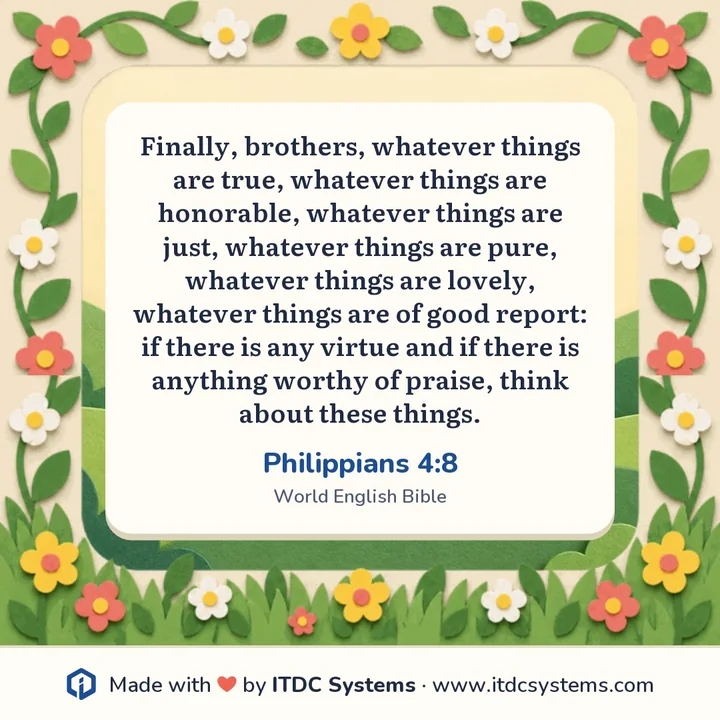
A verse you can send as a card
Turn a verse, your village, a badge or a trivia score into a picture, square or story size, on one of ten paper backgrounds.
- Each card carries a small credit line: Made with ♥ by ITDC Systems.
- Cards are drawn on your phone. They leave it only when you tap Share or Save to my photos.
Also inside
-
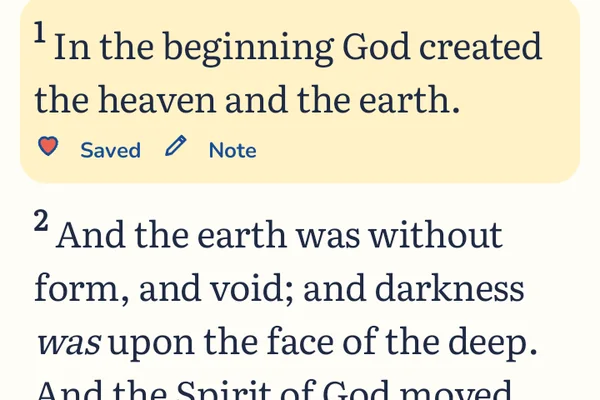
Favorites and notes
Save any verse with a tap and write a private note beside it. Notes stay on your phone.
-
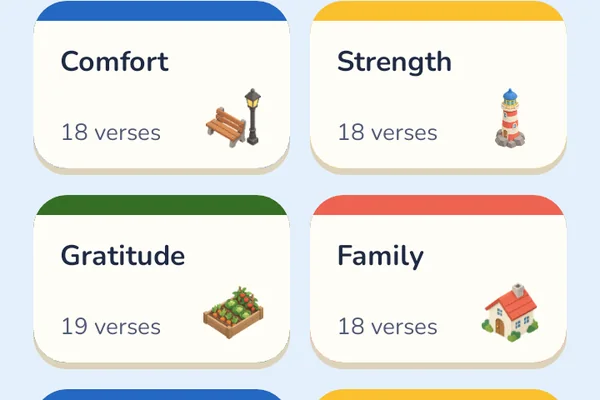
Collections by theme
Verses gathered for days that need comfort, strength, gratitude, hope and more. Pick a theme, or let Psalmoo pick one for you.
-
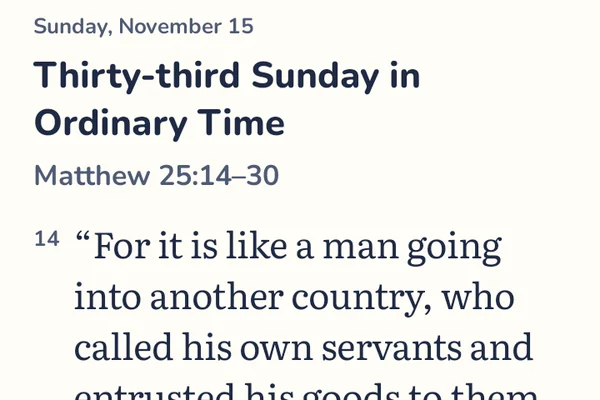
Gospel of the Day, if you want it
An optional extra on the Philippine Catholic calendar. The text shown is the World English Bible, so it may differ from the wording read at Mass.
-
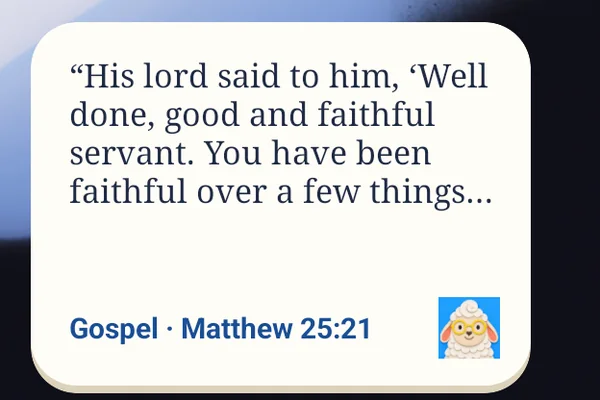
A widget and a daily reminder
The widget puts a line of the day's reading on your home screen. The reminder is yours to set: choose a time, or leave it off.
-
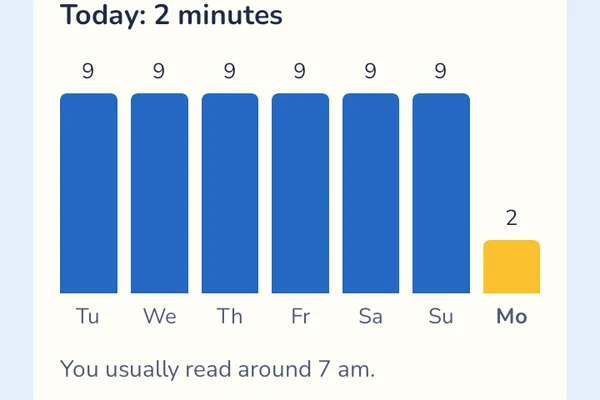
My activity
Your reading minutes and your usual reading time, counted on your phone only. Nothing is sent anywhere.
-



Points, levels and badges
Reading and trivia earn points, named levels and paper badges. All of them are earned by using the app, never bought.
Made for families, and for readers aged 9 and up.
Psalmoo is written so a child can use it alone, and so a parent can hand over the phone without reading the fine print twice.
- No ads, no purchases, no accounts and no chat. There is nobody to talk to inside the app and nothing to pay for.
- No lives, timers or daily limits. Nothing pushes a child to keep playing, or to hurry.
- A wrong answer gets encouragement. The sheep says what the answer was and where to read it.
- One link leaves the app, behind a grown-up check. It is the ITDC Systems credit, and it opens only after a multiplication question is answered.
- Sharing uses the phone's own share sheet. There is no feed, no profile and nothing public inside Psalmoo.
- It belongs to no one church. The daily verse, reflection and prayer are written for Christian families of any tradition.

Psalmoo collects no data.
No advertising, analytics or tracking code is in the app, and ITDC Systems receives nothing about the people who use it.
No account
No name, email or sign-in is ever asked for.
Stays on the phone
Favorites, notes, the village and your activity are kept on the device.
Online only when you ask
The app connects only when you tap Check for updates, to download new verses and questions.
One tap to erase
Delete all my data in Settings removes them. Your settings are kept.
Questions people ask
Does Psalmoo work offline?
Yes. The daily verse, the whole Bible in both translations, the village, Bible Trivia and challenge codes all work with no connection. The app goes online only when you tap Check for updates in Settings.
How much does it cost?
Nothing. Psalmoo is free, with no ads, no purchases and no subscription. Everything in the village is earned by reading.
Which Bible translations are inside?
Two, both in the public domain: the World English Bible, which is in modern English, and the King James Version. Each has the same 66 books. You choose one when you first open the app, and you can switch at any time.
Is it Catholic or Protestant?
Neither one in particular. Psalmoo is non-denominational: the daily verse, reflection and prayer are written for Christian families of any church.
The Gospel of the Day is an optional feature that follows the Philippine Catholic calendar. It is off until you turn it on. Its text is the World English Bible, so it may differ from the wording read at Mass.
Who wrote the reflections and prayers?
ITDC Systems wrote them for Psalmoo. The first drafts of the reflections, prayers, trivia questions and the Gospel calendar were made with the help of AI. Each one goes to a theology reviewer to read and sign off, and a Catholic reviewer checks the Gospel calendar. That review is still under way. The early-access build on this page and the first App Store version carry the text as it stands today, so some wording may change in later updates.
The Bible verses themselves are never rewritten. They are shown as they appear in the two translations.
Is there an iPhone version?
Yes. Psalmoo is free on the App Store for iPhone and iPad (iOS 16 or later). On Android, the early-access build is on this page now, and Google Play follows.
How do updates work?
The early-access build does not update by itself: come back to this page for a newer build and install it over the old one. Once Psalmoo is on Google Play, the app will update through the store.
New verses and trivia questions come as a content update, and only when you tap Check for updates in Settings. The app checks every downloaded file before using it, and it never goes online by itself.
Can I move my data to a new phone?
Yes, with your phone's own backup. On Android, your favorites, notes, streak, village and settings are part of the Google backup of your phone, if you have it switched on, and they come back when you set up the new phone. That backup belongs to you, under your Google account. ITDC Systems never receives it.
One exception: what you save in the early-access build will not move to the Google Play version.

Early access
Try Psalmoo now on Android.
Psalmoo is in early access. Download the Android app straight from this page and install it in a minute. It is free. The reflections, trivia questions, Gospel references and saint stories in this build are still being reviewed, so some wording may change.
Version 1.1.0 (build 10) · 24 November 2026 · Android 8.0 or later
In the stores
Psalmoo is on the App Store for iPhone and iPad. Google Play comes next.
- Download on the App Store
- Coming soon to Google Play
How to install
- On your Android phone, tap Download for Android. If the phone belongs to a child, a grown-up should do this part.
- Open the downloaded file. If your phone asks, allow your browser to install apps, then tap Install.
- Open Psalmoo and meet the sheep. There is nothing to sign up for.
Good to know
- This is an early-access build. Its reflections, prayers, trivia questions, Gospel references and saint stories are still being reviewed, so some wording may change. If something looks wrong, tell us at [email protected].
- It installs from outside Google Play and is signed with a development key, so your phone may show a warning first.
- It does not update by itself. Come back to this page for newer builds and install them over this one.
- It will not update to the Google Play version. When Psalmoo reaches Google Play, you will need to uninstall this build first and then install from the store. Favorites, notes and the village saved in this build may not move across, so treat them as a trial.
File check (SHA-256): d2492fe5fef7d017051661a88ce611dbcccb0129aa11c2c30b3d85b3c28ed168

Who makes Psalmoo
ITDC Systems
Psalmoo is one of ITDC Systems' free apps. ITDC Systems is a technology company in Makati City, Philippines, founded in 2017, that builds digital platforms for government and enterprise organizations.
Official website: www.itdcsystems.comEmail[email protected]
Phone+63 949 903 6416
Office1103 Cityland Herrera Tower, Salcedo Village, 98 V.A. Rufino St., Makati City, Metro Manila, Philippines